

RapGen vs Neural Frames: Rap Clip or Full Music Video?
Choose RapGen when you need to explore a short performance shot from a portrait and a scene description. Evaluate Neural Frames when the task is to build a music-video project around a song, with different scenes, lyric visuals, or audio-reactive imagery.
RapGen vs Neural Frames is therefore a comparison of production scope as well as tools. A close view of a rapper, a lyric-art sequence, and an abstract visualizer can all promote the same track, but they need different inputs and different checks.
This article compares the documented workflows and pricing conditions checked on October 24, 2026. It is written by RapGen's editorial team. We have not produced matched paid samples or measured which service makes better-looking videos.
First, name the video you need
Consider a release campaign with three possible deliverables:
| Deliverable | Main requirement | The first asset to approve |
|---|---|---|
| Portrait performance clip | A recognizable person in one intended scene | The reference photo and shot brief |
| Multi-scene rap music video | Visual progression that serves the song | The recording and a scene plan |
| Lyric artwork or music visualizer | Readable lyric art or visuals responding to musical changes | The approved words or track and the chosen visual treatment |
A creator asking for a “rap video generator” may mean any of these. Choosing a tool before naming the deliverable can leave you with attractive material that does not complete the job.
For a portrait performance, RapGen's generator lets you begin with the person and the scene description. For a song-led project, Neural Frames' AI music video generator describes uploading a track, directing the visual story, and exporting the result. The comparison should follow that difference in scope.
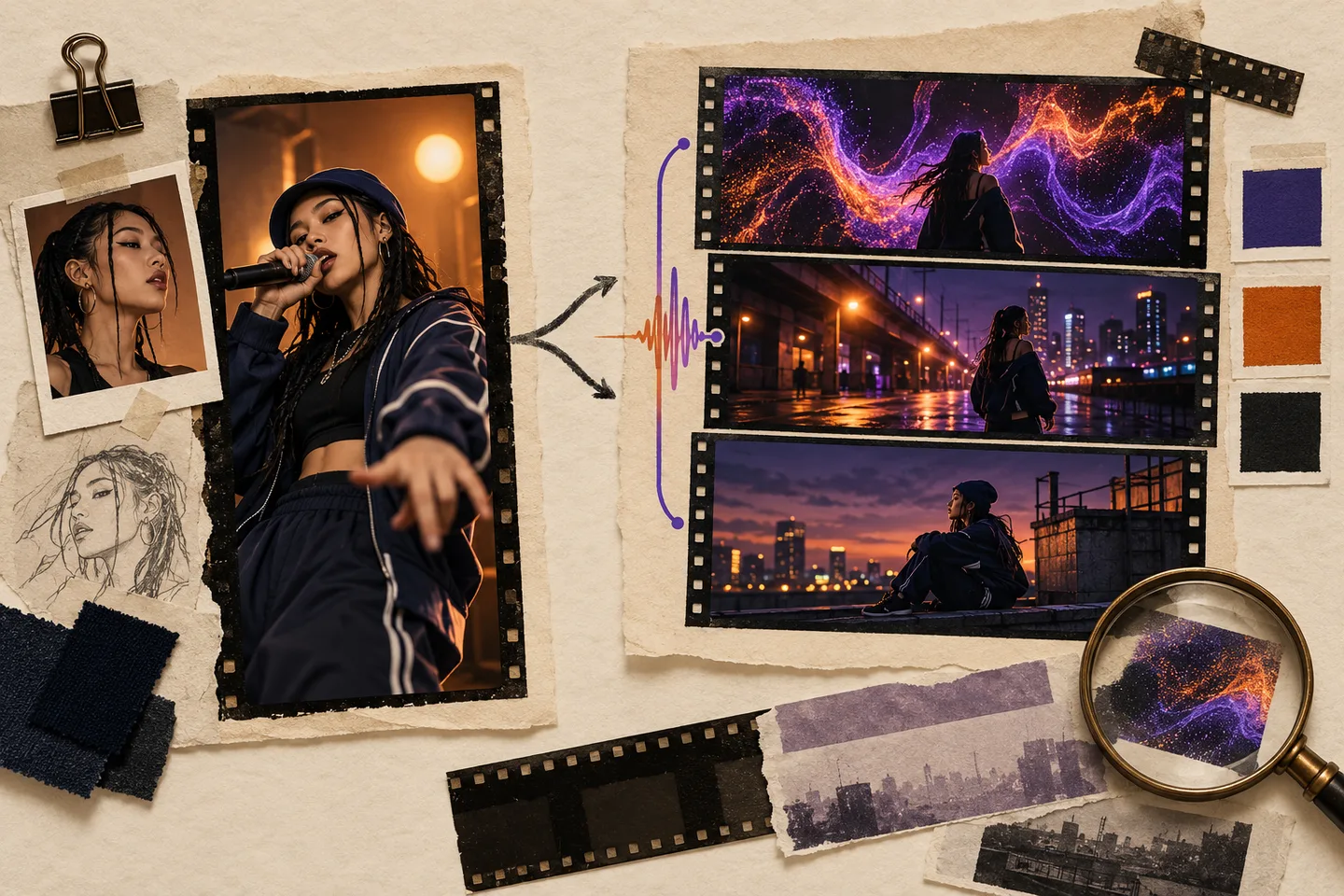
AI-generated planning illustration. The frames are fictional concepts, not examples produced by either platform or evidence of a quality advantage.
RapGen vs Neural Frames at a glance
| Decision | RapGen's main photo-based route | Neural Frames' music-video workflows |
|---|---|---|
| Starting input | A photo plus a performance description | A song and visual direction, with options varying by production mode |
| Unit of planning | A short shot you can describe and judge | A music-video project, scene sequence, or chosen visual treatment |
| Creative focus | Performer, setting, gestures, lighting, framing, and movement | Song structure, scenes, characters, style, and how visuals relate to the music |
| Main output check | Likeness and coherence through the shot | Coherence within scenes and continuity across the project |
| Lyrics | Add exact edited text when needed; the main route does not promise perfect generated lettering | Check which lyric workflow you chose; generated in-scene words differ from editable subtitles |
| Mouth timing | Not guaranteed by a general scene description | Evaluate the selected performance route separately from beat-reactive visuals |
| Export | Check the selected mode's supported settings | Check both project options and plan-specific upscaling access |
| Budget | Cost of each attempt at the selected settings | Plan allowance, project estimate, revisions, and required export level |
Neural Frames also offers short-form workflows, so “long versus short” is not an absolute feature boundary. The useful question is whether you want to author one performance moment or manage a song-led visual project.
Direct one performance moment in RapGen
Suppose your immediate job is a short teaser of an artist in a recording booth. You have a clear portrait and want a steady chest-up shot with soft side light and a small hand gesture.
That is a good-sized visual brief for RapGen's main route. It gives you specific things to check: whether the face resembles the reference, whether the microphone leaves the mouth visible, and whether the motion stays inside the intended frame.
The advantage is a focused decision. You can try a visual idea before expanding it into a full sequence. If the setting is right but the gesture is distracting, revise the gesture instead of redesigning the entire project. The scene-prompt guide gives examples of compatible directions.
The limitation is that a successful shot is still a shot. It does not establish continuity across several locations, an unchanged mastered soundtrack, or a complete lyric video. If those are requirements, plan how the clip will fit into a larger editing workflow.
You can create more than one visual asset, but inspect them together before assuming they form a coherent music video. Different wardrobe details, lighting, or camera language may become distracting only after you cut between the shots.
Plan a song-led project in Neural Frames
Neural Frames presents several approaches on its music-video page, including Autopilot, a frame-by-frame editor, and a text-to-video timeline workflow. Its scope is relevant when the track needs a visual structure rather than a single isolated performance moment.
For a rap release, that might mean deciding where the artist appears, where supporting story scenes enter, and which passages can use a visualizer. The advantage of project-level planning is that these decisions can be made against the song's progression.
It also increases what you must review. A good opening frame does not establish that the second verse fits the same world. Compare recurring character details, scene transitions, visual intensity, and the way the final section resolves.
The site describes both short-form content and full music videos. Use the mode and estimate appropriate to your intended duration, rather than assuming every model and subscription can produce the same length or quality in one job. We have not verified a universal maximum or a fixed rendering time across its modes.
The practical tradeoff is scope. A broader project workflow can organize a release video, but it may be more planning than you need when you only want to test one portrait shot.
Distinguish lyric art from captions and lip sync
Rap projects often need words on screen, but three different requirements can hide behind “synced lyrics.”
A caption layer places editable text over footage. You may need exact wording, a chosen font, and precise start and end times.
A lyric-art scene turns the words into part of the image. Neural Frames' lyric video maker page explicitly describes that approach and warns that it is different from a conventional subtitle editor. If the words are generated inside a wall, landscape, or other artwork, proofread the image as well as the extracted source lyrics.
A lip-synced performance concerns the mouth following the vocal sounds. Neither a correctly spelled caption nor a scene change on the beat establishes that the face performed the line.
If your release needs exact word-by-word highlighting, confirm that output separately rather than assuming any lyric template provides it. In RapGen, you can plan clean space in the scene and add approved captions later, but that finishing step does not create missing mouth synchronization.
For an abstract treatment, Neural Frames' music visualizer page describes visuals reacting to musical components. That can be appropriate when the music's energy is the focus and an on-camera rapper is optional. Its browser frequency-bar preview is described separately from a generated, exportable video, so do not confuse the demo with a finished asset.
Choose the revision unit before committing
A useful brief states what you are willing to redo. Consider these examples:
| Problem | Portrait-clip revision | Project-level revision |
|---|---|---|
| A hand covers the face | Reduce that gesture in the shot | Review every recurring performance scene where it happens |
| The color palette changes | Correct the single scene's light or background | Check the reference style and neighboring scenes together |
| A lyric is wrong | Correct an edited caption or reassess the audio route | Review extracted words, generated lyric images, and affected sections |
| The ending feels abrupt | Adjust the shot's ending or trim in editing | Reconsider the final scene, transition, and song ending |
These are planning examples, not guarantees that either tool can repair every issue without another generation. Find out whether the chosen workflow lets you refine the affected part and what that revision costs.
For both services, keep approved source assets. Changing the recording and visual reference while comparing revisions makes it difficult to tell whether the tool is improving the same job or generating a different one.
Read export claims alongside the pricing table
RapGen's cost depends on the selected video mode and settings. Its published 16 starter credits may not cover every option, so check the displayed estimate before choosing a test.
For Neural Frames, consult the current pricing table as well as the general product page. On the review date, Neural Knight listed 2,400 credits per month and an annual offer of $312, displayed as $26 per month. That is an annual-billing example, not a $26 month-to-month purchase.
The same pricing table listed 1080p upscaling on Knight and placed 4K upscaling on higher tiers. Therefore, a broad product-page mention of 4K should not be read as a guarantee for every subscription. Check the plan, project output, and upscaling step you actually need.
Upscaling is also a different question from whether the original performance is usable. A sharper export does not repair incorrect words, unstable identity, or a scene that conflicts with the brief.
For a full project, budget for the selected production mode, the song duration, the scenes you may regenerate, and the required delivery format. Compare actual estimates rather than assuming equal credit balances mean equal production capacity.
Which should you use for your rap release?
Choose RapGen when the next approval is one photo-based performance scene: the artist, the framing, and the movement. Start with a focused brief, then use the photo-to-rap-video tutorial to prepare and review it.
Evaluate Neural Frames when the next approval is a song-led visual project: a sequence of scenes, lyric art, a visualizer, or a broader music video. Choose the production mode and the export tier after defining that deliverable.
If a specific lyric must be performed in close-up, test that passage on the route you choose. The lip-sync diagnosis guide helps you separate mouth-timing problems from playback offsets or scene-planning issues.
A useful first test is the smallest piece that proves the project can work: one recognizable performance moment, one representative scene transition, or one lyric-art section. Passing that test gives you a reason to expand; a high search position or a compelling product example does not replace it.