Reference video · 01
Street-Style Performance
Graffiti, bold styling, and energetic movement for a street-inspired performance brief.

 RapGen
Give the rap video generator a photo and describe the performance: a studio verse, a rooftop hook, or a street cypher. Shape the setting, gestures, and camera movement, then preview a short video made around your idea.
Configure your model, prompt, and video output
MP3/WAV, up to 3; 2–15s each and 15s total
AI will generate matching audio for the video
Reference online information during generation
Explore performance, camera movement, and visual styles in these reference clips. Use them as inspiration for your own photo-and-description brief.
Graffiti, bold styling, and energetic movement for a street-inspired performance brief.
Black-and-white patterns and a floating performer suggest a more abstract visual direction.
Rain, city lights, and a silhouetted figure set the mood for a cinematic night scene.
Warm light and towering trees frame the performer in a dramatic natural setting.
A stylized character and neon effects offer a different direction for an animated performance.
A large crowd, stage lighting, and wide framing provide ideas for a live-show atmosphere.
From the blog
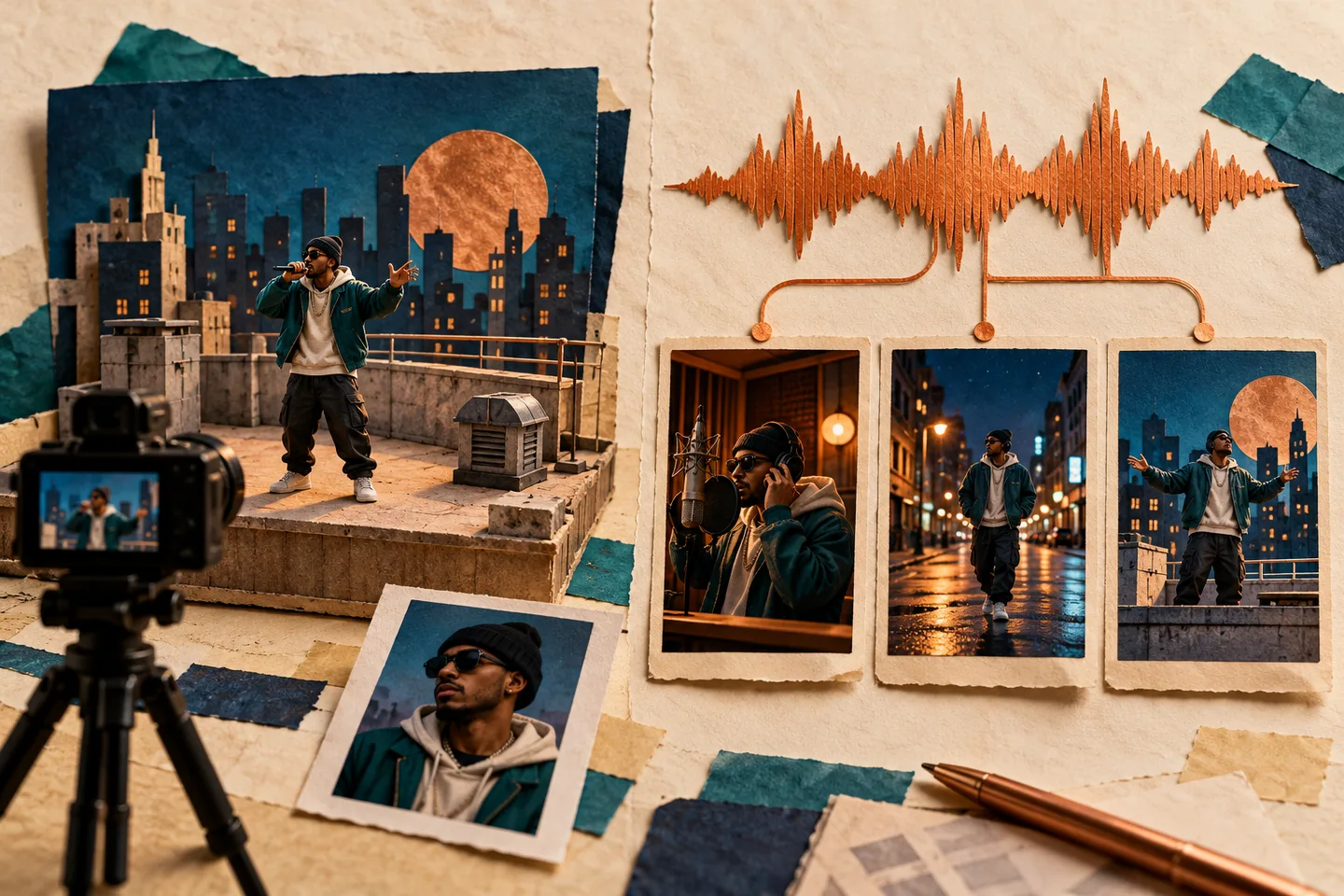
Compare RapGen and freebeat for rap videos: photo prompts, existing tracks, performance shots, beat sync, lip sync, credits, and practical review checks.
Read article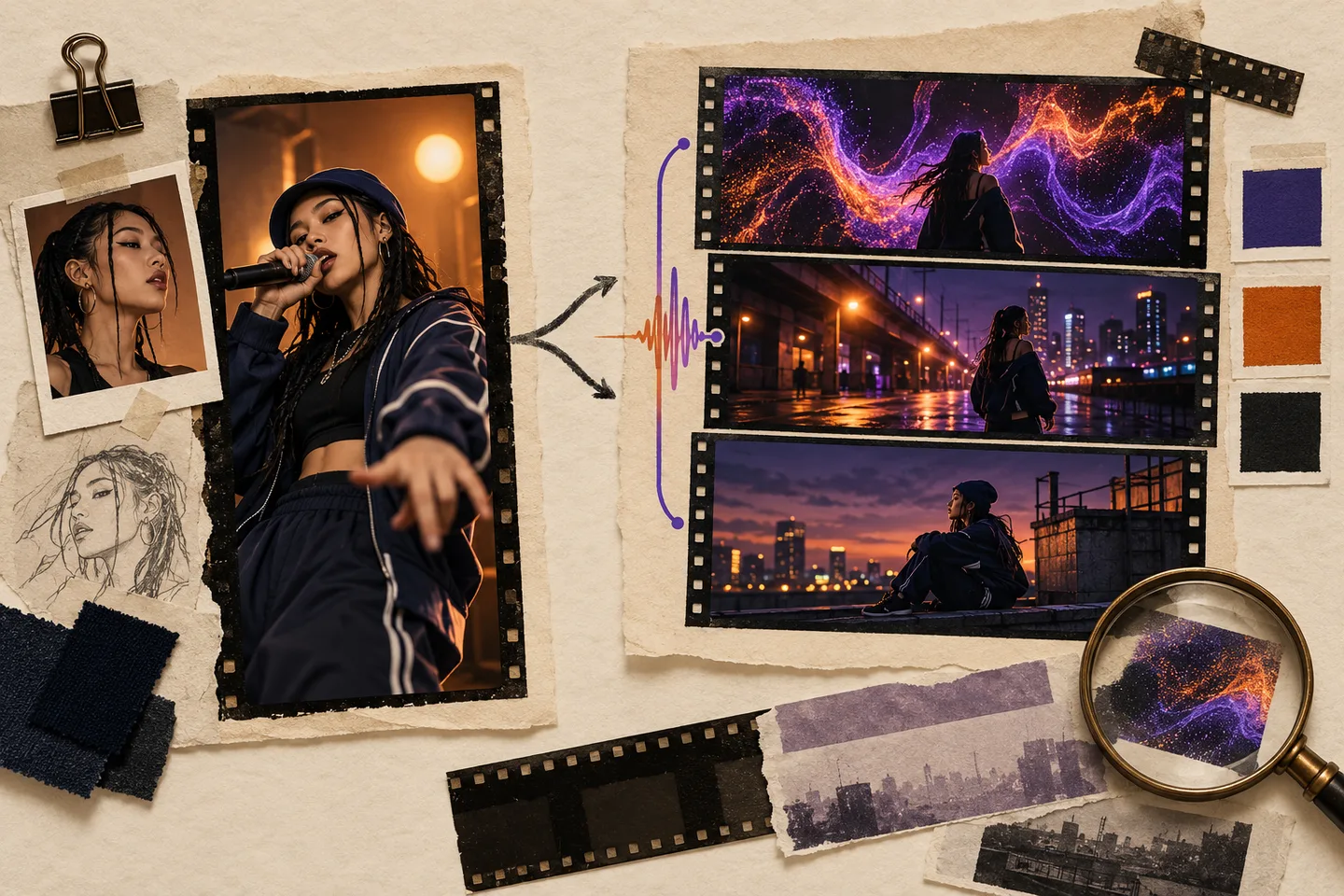
Compare RapGen and Neural Frames for rap videos, from portrait performance clips to song-led scenes, visualizers, lyric art, revision scope, and exports.
Read article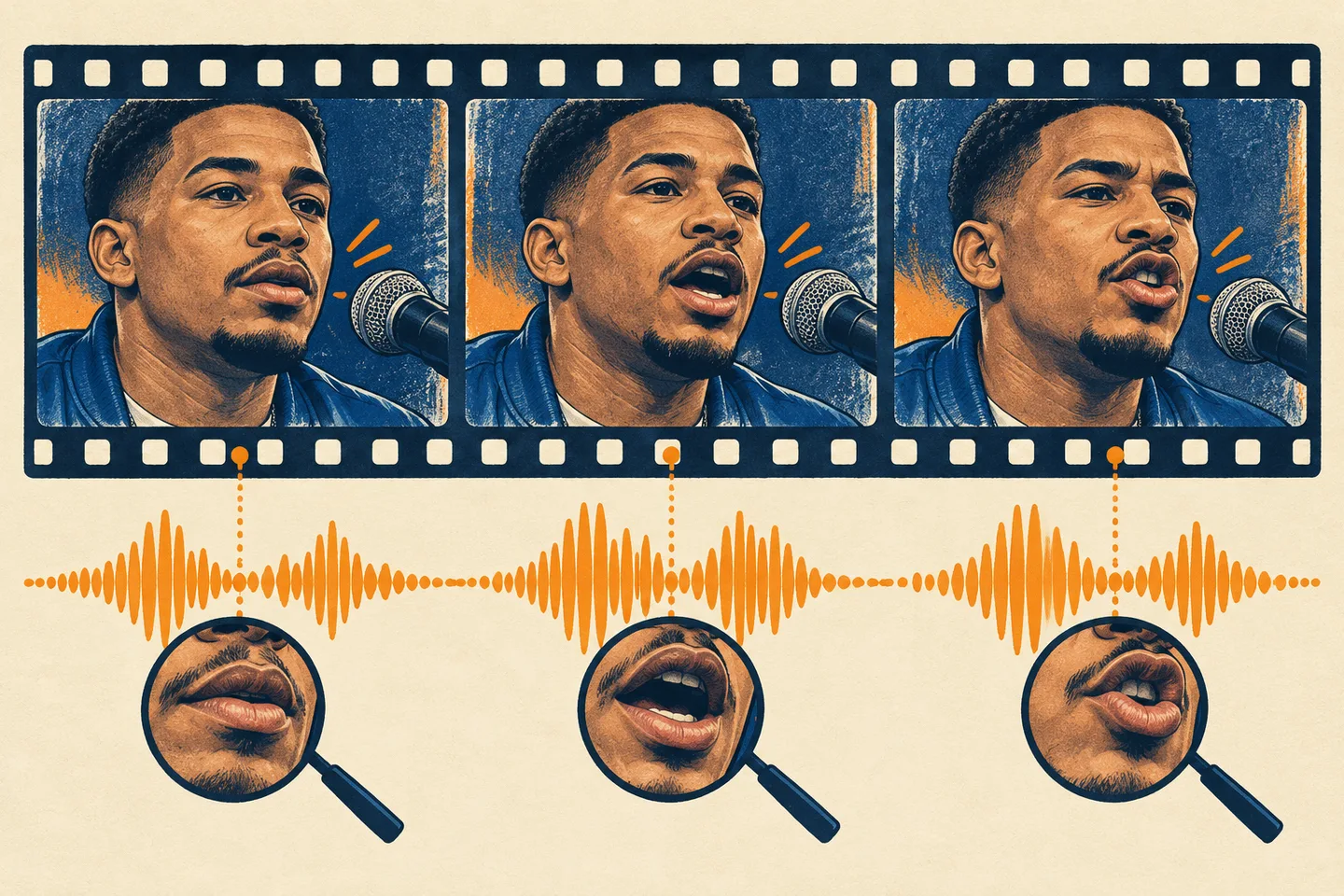
Diagnose AI rap video lip-sync problems by checking the audio workflow, portrait, delivery, and export before spending credits on another generation.
Read articleStart the rap video generator with a clear photo and a short performance brief. Describe who is in the frame, how they move, and the atmosphere you want.
Choose a clear photo you have permission to use. Keep the face visible and describe which person should perform when your picture includes more than one person.
Tell the rap video generator about the stage, delivery, gestures, and camera. Choose the available video settings and check the credit cost before generating.
Watch the entire rap video generator preview. Check the face, mouth movements, hands, and sound; refine your description if needed, then download the version you want to share.
Using the rap video generator for one project, or creating every week? Choose how you pay, see the generation cost, and know how failed tasks are handled.
Buy a one-time credit pack for occasional projects, or choose a subscription for ongoing work. Credit packs do not renew automatically, so you can pay for another pack when you need it.
Compare Plans and Credit PacksThe editor displays the credits required for your selected model and output settings. Check the cost before submitting a prompt or trying another version, so you can decide whether it fits your remaining balance.
Check Generation CostsCredits deducted for a generation task are returned automatically once the task is confirmed as failed. A completed result still uses credits if you decide to generate another version. Contact support if a failed task's refund remains unresolved.
Get Help With a Failed TaskA good brief connects the performer, movement, and scene. Give the rap video generator specific directions, then review the result before sharing.
Make your photo the visual reference for a short performance. Describe clothing, framing, and delivery to guide the rap video generator; facial details can vary in the result.
Create a PerformanceChoose a studio, rooftop, or imagined set. Describe one clear action and how the camera should move rather than packing several conflicting scenes into a short clip.
Describe Your SceneNeed a larger visual for a product page or layout? Upload your file and choose a 2K, 4K, or 8K target. Export as JPEG, PNG, or WebP and check the enlarged details before use.
Upscale a PhotoNeed a cutout instead of a new scene? Isolate the subject from its background and download a transparent PNG for product listings, presentations, or a new design.
Remove a BackgroundHave a reference but do not know how to describe it? Convert it into a text prompt you can edit for your next generation. It describes visible content; it does not recover the original prompt.
Extract a PromptWant to add motion to a finished composition? Upload it in the video generator and describe what should move. Video models have their own duration, resolution, and credit settings.
Animate a PhotoUnderstand the rap video generator inputs, creative controls, credits, and checks that matter before creating your clip.
A rap video generator turns a photo and a written performance brief into a short video. RapGen focuses on the performer, staging, gestures, and camera direction so you can explore a rap performance without arranging a shoot.
Prepare a clear photo you have permission to use and a description of the performance. Include the setting, delivery, and movement. Sign in, select the available video settings, and check the displayed credit cost.
Time varies with the selected settings and service load. Follow the task status and wait for the preview to finish. The rap video generator does not guarantee a fixed completion time.
Add your photo, describe the performance, and choose the available duration and format. Check the credit cost, generate, then review the face, motion, and sound before downloading.
Yes. Describe a recording booth, rooftop, street, or another setting. Add lighting and framing directions to the same brief. The generated scene may differ from the description.
Name the performer, setting, action, framing, and mood. For example: a performer in a warm studio, delivering a verse with small hand gestures, filmed in a steady medium shot. Keep instructions clear and compatible.
Choose a portrait format when available for your selected video mode. Plan the framing around the performer and leave space for captions you add later. Review the crop before sharing to Reels, TikTok, or Shorts.
Use the options shown for the selected video mode. Duration, resolution, and reference inputs affect the credit cost. Check those settings before each generation; availability can vary by model.
New accounts receive 16 starter credits. Video costs depend on the selected settings, so a starter balance may not cover every video option. Check the displayed cost; subscriptions and one-time credit packs are available.
Mouth movements, facial details, and performance timing can vary, especially with fast delivery. Watch the full clip before sharing. A clear face and a simple performance brief help guide the result but do not guarantee perfect synchronization.
The main workflow is a photo plus a description for a short performance video. It does not promise a finished full-length song, editable music stems, or a complete music production workflow.
Paid plans include the commercial-use benefit described in Pricing. You still need the necessary rights to photos, likenesses, music, and other material. Review the Terms and your finished clip before publishing.
Use a photo only when you have permission to use the image and the person's likeness. Avoid presenting a generated performance as something that person really said or performed.
This page focuses on photo-and-description generation. Some video modes support audio references, but that does not guarantee the original recording stays unchanged. Check the selected mode before planning around an existing track.
A lyric video emphasizes written words on screen. A rap video generator focuses on an on-camera performance. You can add edited captions later; generated lettering should be checked carefully.
Choose the perfect plan for your creative needs.
Explore RapGen with starter credits. Check the cost of your chosen video settings before generating.
Great for exploring!
For serious creators who need professional features
✓ Cancel anytime — no questions asked
For studios and teams creating at scale
✓ Cancel anytime — no questions asked
With a reference video, credits are charged on output duration plus the total reference-video duration.
Describe the stage, delivery, and camera. Turn your idea into a short performance with the rap video generator, then review the result before sharing.
Have feedback, questions, or suggestions about RapGen? We would love to hear from you.