

RapGen vs freebeat: Which Rap Video Workflow Fits?
Choose RapGen when you have a portrait and want to direct a short rap-performance scene. Evaluate freebeat when you already have a rap track and want a workflow that plans video around its music. Both can be relevant to a rap video; the important difference is whether your first input is a shot idea or a song.
That makes RapGen vs freebeat a useful comparison for two common projects: a photo-based performance concept and a music video for an existing recording. This article compares those routes using current product information checked on October 24, 2026. It comes from RapGen's editorial team, and it does not report a matched paid quality or speed test.
RapGen vs freebeat at a glance
| Decision | RapGen's photo-and-description route | freebeat's rap-video route |
|---|---|---|
| Starting point | A portrait and a written performance scene | An existing rap track, with supported upload or link options |
| Main direction | Performer, setting, gestures, framing, and camera | The track plus character and visual-style choices |
| First useful deliverable | One short performance concept you can inspect | A song-led visual plan or generated music-video sequence |
| Personal likeness | Use the photo as reference and check the result | Review the chosen character or uploaded face across the sequence |
| Music relationship | Check what the selected video mode actually produces | Evaluate how the generated visuals relate to the supplied track |
| Exact mouth timing | Not guaranteed by the main photo-and-description workflow | A feature to test on your actual recording, rather than assume from a product claim |
| Cost basis | Displayed credits for mode and output settings | Current plan, generation settings, and the scope of the music-video job |
| Best first check | Does the shot communicate the brief? | Does the video serve the track and its key performance moments? |
Neither column automatically wins. A short visual concept and a complete song-led edit involve different amounts of work. Compare them against the deliverable you need, not a count of feature labels.
Start with the material you already have
Suppose Maya wants a release teaser. She has a clear portrait, a twelve-second hook, and an idea for a warm rooftop performance. Before opening either tool, she should decide which element is fixed.
If she is still exploring the look, RapGen's generator lets her begin with the portrait and a scene brief. She can ask for a medium shot, a steady camera, evening light, and one restrained hand movement. Her first decision is whether that picture feels right for the release.
If the recording is already approved and the edit needs to follow it, freebeat's AI rap video generator page describes an audio-led route: supply the music, choose the character and style, and develop the video around the track. That gives Maya a different starting structure.
The choice is less clear if she has only a vague idea of both the sound and the image. Write down the next asset you need to approve. “A rooftop performance shot” and “a video for this finished hook” are concrete enough to guide the choice.
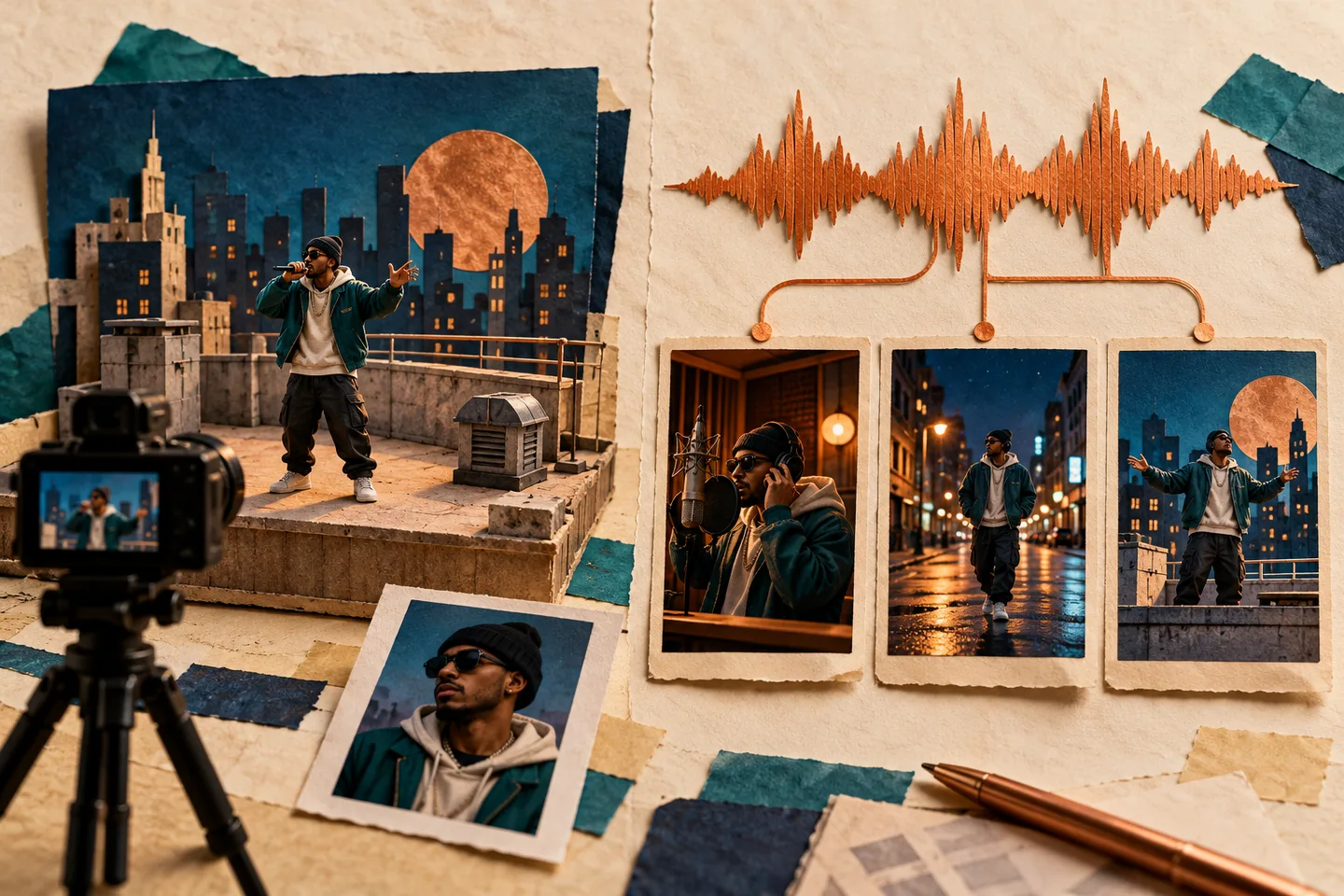
AI-generated workflow illustration. The scenes are fictional and are not sample outputs, screenshots, or a quality comparison of the two products.
RapGen gives you a focused shot to direct
RapGen's main route is useful when you can describe the visual moment. Instead of starting with a complete multi-scene plan, define one performer, one setting, and a readable action. The rap video prompt examples show how to do that without combining conflicting camera directions.
For Maya's teaser, she could request a waist-up rooftop performance with the face unobstructed and gestures below the chin. That creates a clear review task: compare the face with the portrait, inspect the gesture, and check the opening and ending of the shot.
This approach suits visual experimentation. The same portrait can anchor alternative scene briefs, and a targeted revision can change the camera or lighting while keeping the rest of the idea stable. The advantage is a specific visual brief you can evaluate, not a promise of perfect identity preservation.
The limitation is equally important. A photo and a description do not establish a finished full-length song, editable music stems, or unchanged source audio. Some RapGen modes offer audio references, but Maya should verify that mode's behavior before relying on it to perform her recording exactly.
If the clip is intended as a visual insert, that boundary may be acceptable. If it is a facial close-up that must deliver the hook word for word, audio handling becomes an acceptance requirement rather than an optional detail.
freebeat organizes the job around a track
On its homepage, freebeat puts music upload and supported music-link inputs near the start of the process. Its rap-specific page also describes choosing an on-screen character and visual style, followed by generated shots around the song.
For an artist who already knows the recording, that can be a more relevant organizing principle than independently inventing every scene. The music supplies a structure against which to review the result: the opening, the verse, the hook, and the moments where the energy changes.
It still leaves creative decisions to make. Maya needs to decide whether the performer should be central throughout or whether some sections should use supporting visuals. She also needs to judge whether a cut strengthens the music or merely changes the scenery.
A site example can show the kind of output a product is aiming for. It cannot establish the quality of Maya's portrait or her fastest line. We have not verified freebeat's advertised synchronization percentages or fixed completion-time claims, so they are not used as evidence that it performs better than RapGen.
Before a larger project, check the actual input acceptance, available character options, duration, aspect ratio, and task estimate in the chosen account. A workflow described on a product page still needs to be appropriate for the specific track and delivery format.
Separate beat sync, lip sync, and identity
These three checks often get bundled together, but each can fail independently.
Beat sync concerns the timing of cuts, motion, or visual changes against the music. A skyline change on the hook can feel well timed even if no face is visible.
Lip sync concerns mouth movement against the sounds being performed. A clip can cut on the beat and still fail to deliver a specific line convincingly.
Identity concerns whether the intended performer remains recognizable. A recognizable face can still have weak mouth timing, and well-timed motion can still change the face.
For Maya's release hook, use a review sheet like this:
| Review moment | What to check | What a failure means for the next step |
|---|---|---|
| Opening frame | Performer, crop, and location | Revise the reference or composition if the visual premise is wrong |
| First clear phrase | Actual audio and mouth timing | Verify the audio route before requesting a prettier version |
| Densest line | Mouth visibility, facial stability, and gesture | Test a simpler action or a more suitable performance route |
| Hook transition | Cut or movement against the musical change | Adjust the visual plan rather than changing the recording by accident |
| Ending | Final pose, scene continuity, and audio ending | Decide whether to regenerate the shot or finish it in an editor |
This is a proposed review method, not a table of test results. The lip-sync troubleshooting guide explains why a constant playback offset needs a different response from mouth shapes that never matched the words.
Compare the complete task cost
RapGen's public content lists 16 starter credits. Depending on the selected mode and settings, that balance may not cover the video Maya wants. Read the task cost after choosing duration, resolution, references, and output count.
For freebeat, check the current pricing page and the account's actual generation estimate. The checked page included a weekly Basic allowance and monthly plans, alongside promotional prices and model-specific benefits. A weekly amount and a monthly amount should not be compared as if they cover the same period.
Likewise, a statement about included generations for a named model is not a quote for every rap-video workflow. Record which model, video length, output resolution, and production mode the estimate refers to.
A useful worksheet has three rows:
- First acceptable test: what it costs to learn whether the route fits.
- Completed revisions: what you spend refining otherwise completed results.
- Delivery: any remaining edit, captions, format conversion, or export work.
Keep the service's billing units separate. Ten credits on one site do not have a fixed relationship with ten credits on the other. If you compare money per accepted clip, calculate it from actual spending and actual accepted clips; do not invent a success rate to make a service look economical.
Decide what you will change after the first result
Before generating, write the failure that would change your decision. For Maya, that might be: “The hook must use the approved recording,” or “The face must remain recognizable through the hand movement.”
For a RapGen scene test, keep the portrait and chosen format fixed, then change one visual instruction at a time. If the hands distract, reduce the gesture before moving the whole performance to another location.
For a track-led freebeat test, keep the recording fixed and inspect how the chosen character and visual treatment handle the important passage. If the song is the approved asset, do not replace it just to make a mismatched performance seem acceptable.
The test should answer whether the route can do the required job, not whether you can produce an attractive frame under unrelated conditions. Avoid committing to a whole release edit before the hardest requirement has passed on a representative excerpt.
Which route fits your rap video?
Choose RapGen when you want to direct and review a short photo-based performance scene. It is a practical starting point for a visual treatment, a birthday concept, or a release insert where you are still deciding the shot. Use the photo-to-rap-video guide to prepare the reference and brief.
Evaluate freebeat's track-led route when you already have the rap recording and want video planning organized around it. Test the actual audio, character, and delivery requirements in the account you intend to use.
For either service, decide what must survive the process: the photo's identity, the approved recording, a particular scene, or an exact lyric moment. That requirement gives the comparison a useful conclusion for your project without pretending every rap-video task has the same winner.