

AI Rap Video Prompts: Six Scenes You Can Adapt
Useful AI rap video prompts describe a shot you can judge: who performs, where they stand, how much they move, and what the camera does. Start with one location and a small action. Add exact lyrics only after confirming that the selected workflow supports the audio control you need.
You can adapt the briefs below in RapGen's photo-and-description generator. They are original creative suggestions, not tested presets or promises of a specific output. Use a portrait you are allowed to animate and choose the supported settings in the editor.
Build the prompt around five decisions
Use this structure:
Reference performer + framing + location and light + one performance action + camera and ending.
For example, “one adult performer from the uploaded portrait” sets the intended subject. “Waist-up in a recording booth” establishes scale and place. “One small open-palm gesture” provides action. A locked camera and a final held pose keep the shot easy to evaluate.
Do not fill the prompt with competing directions. “Locked camera, rapid orbit, extreme close-up, full-body tracking shot” asks for several incompatible compositions at once. Choose a shot, then decide which detail matters most.
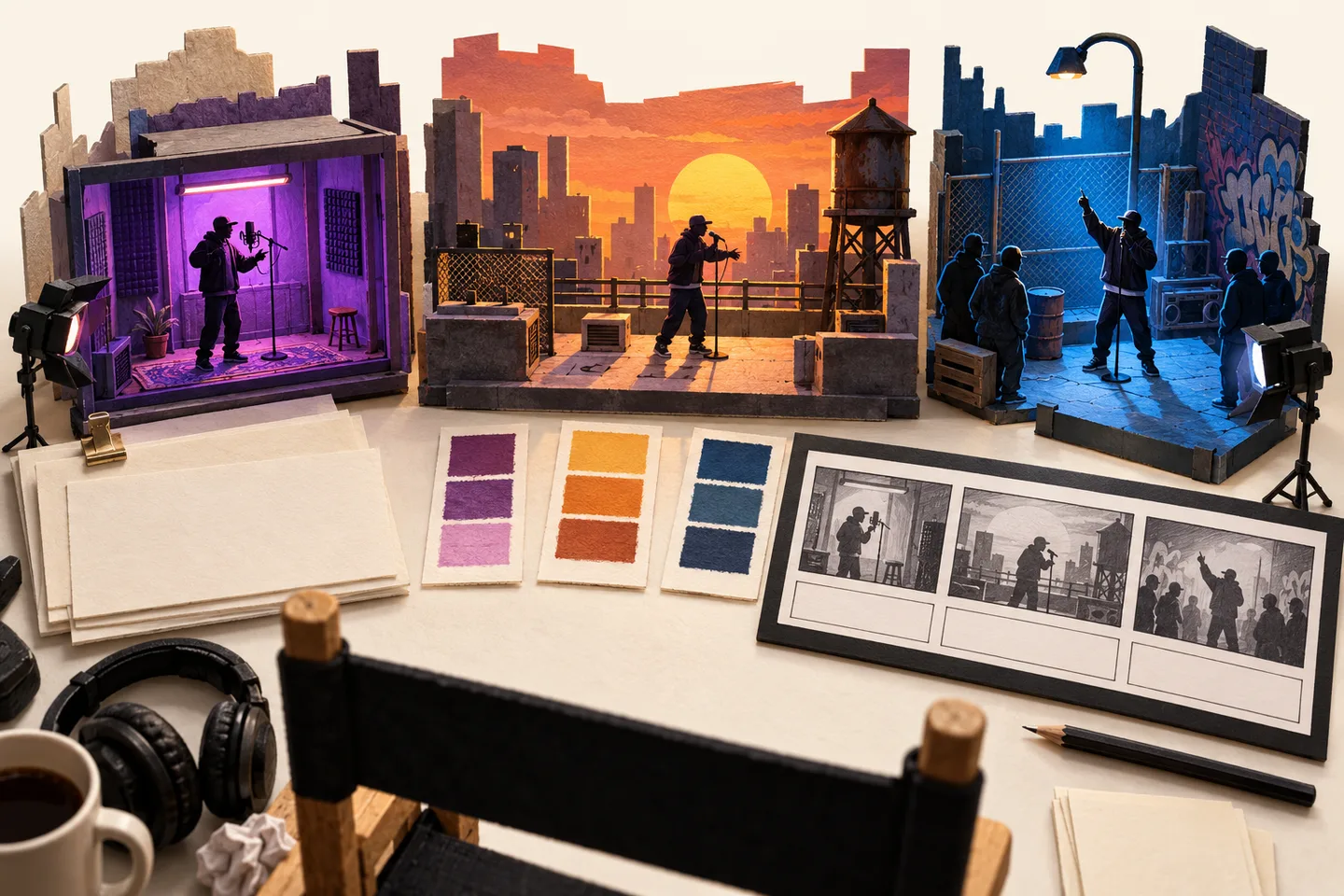
AI-generated concept illustration of different scene briefs, not screenshots or outputs from the prompts below.
1. Recording booth: keep attention on the delivery
Use the uploaded portrait as reference for one adult performer in a compact recording booth. Frame from the chest up, facing the camera. Place a studio microphone to one side so the lips remain visible. Use warm side lighting and a quiet dark background. Request a relaxed rap-style delivery, subtle head movement, and one small open-palm gesture. Keep the camera fixed and finish in the same framing. No written text.
This is a useful brief when the face is the central idea. The microphone is part of the setting, but placing it to the side avoids deliberately covering the area you need to inspect. Choose a short supported duration rather than adding multiple verses to the description.
2. Rooftop hook: put the atmosphere behind the performer
Show the adult performer from the reference portrait waist-up on a rooftop at sunset. Keep the skyline distant and the warm light consistent. The performer faces the lens with a confident stance, a gentle nod, and restrained gestures below the chin. Use one slow, modest camera push toward the face. End with the performer looking toward the camera. Keep the mouth visible and add no text.
Change “sunset” to “overcast afternoon” if you want quieter lighting. Keep the rest of the prompt the same for that revision. Changing the location, clothes, camera, and action together makes it harder to identify the useful change.
3. Street cypher: ask for energy without a crowd
Create a rap performance featuring the adult person in the uploaded portrait against a simple brick wall at dusk. Use a waist-up view and soft frontal light. The performer shifts weight slightly and marks the rhythm with one hand below shoulder level. Keep the background empty and the camera steady. Preserve a consistent jacket and hairstyle as a visual goal. No scene cuts or lettering.
A street atmosphere does not require a crowd, moving vehicles, rain, and flashing lights in the same shot. Add environmental complexity only when it supports the idea. Check whether even the simpler version keeps the face and clothing recognizable.
4. Birthday clip: leave the exact message for editing
Use the adult performer in the reference portrait for a playful birthday rap-style performance in a warmly lit room. Include a few out-of-focus balloons well behind the performer. Use a medium shot with space above the shoulders for a caption to be added later. Request a friendly expression, a small nod, and one gentle pointing gesture away from the face. Keep the camera fixed. Do not generate letters, names, numbers, or signs.
Add the recipient's approved name and message afterward as editable text. If the name must be spoken, first establish an audio workflow where you can check pronunciation. A decorative birthday scene does not itself guarantee a personalized song.
5. Release teaser: generate a shot to fit an edit
Show the adult reference performer in a blue-lit studio, framed from the waist up. Begin with a steady pose, then use one restrained gesture and a short confident look toward the lens. Keep the background simple and the light stable. Leave empty space to the performer's side for a release title to be added in editing. Finish on a still composition. No logos or generated text.
Use this as a visual insert for a planned teaser. If you add your mastered track later, choose a section where exact mouth alignment is not the shot's main promise. For a close-up that must deliver specific bars, verify audio-driven synchronization separately.
6. Seated verse: reduce movement while keeping personality
Use the uploaded portrait as the visual reference for one adult performer seated on a plain studio chair. Show the upper body at eye level. Use soft neutral lighting, a simple backdrop, and a calm rap-performance mood. Keep both hands below the mouth and use only light shoulder movement. Hold a steady camera and end with a relaxed expression. Add no written text.
This brief gives you fewer moving elements to review. It is a creative simplification, not proof that seated scenes will outperform every other prompt.
Revise the instruction that matches the failure
| What you see | One change to try | What to compare next |
|---|---|---|
| A hand hides the lips | Specify gestures below the chin | Whether the mouth stays visible through the whole clip |
| The setting overwhelms the face | Remove moving background elements | Whether attention returns to the performer |
| Camera motion makes review difficult | Request a fixed eye-level camera | Whether identity remains stable during the action |
| The clip tries to change locations | Keep one named setting and remove scene cuts | Whether the scene remains coherent |
| A release date is misspelled | Remove generated lettering | Whether the blank area works for an edited title |
| The words differ from your song | Check the audio workflow | Whether the chosen mode actually preserves the recording |
Keep the original brief, revised sentence, settings, and credit estimate together. Review one output before requesting several versions. Better phrasing can clarify the request, but it cannot supply an unsupported feature or guarantee a perfect result.
Pick the scene closest to your intended clip, replace only the relevant details, and try it in the RapGen generator. Judge the downloaded video against the scene you asked for.
Prepared October 24, 2026. These prompts are editorial examples based on the photo-and-description workflow in the current RapGen project. They were not benchmarked through paid generations.